Getting started
From an invitation to a repository with its first goal, in about ten minutes.
What Sigbound is
A code forge built for work that agents produce. Git is unchanged: you clone, branch and push with any client. What changes is what a merge is. Work is stated as a goal with lines that say what done means. An agent or a person makes an attempt on a branch. CI and Sigbound AI produce evidence at the exact head. A person makes a decision on the evidence. The gate verifies the bytes once more, merges, and seals a signed receipt.
1. Get in
The alpha is by invitation. Request an invite with the address you will sign in with. When it arrives, create your account at sigbound.com/signup with a password, or sign in with Google using the invited address. Sign-in to an existing account is never gated.
2. Make a space
A space is where repositories, members and goals live; it is what other forges call an organisation. After your first sign-in the setup list offers Create your space. The name you type becomes your address: sigbound.com/<space>. Invite people from Members; an invited address can also create its account through that invitation.
3. Add a repository
Two ways. New creates an empty repository with a default branch. Import copies an existing repository from a public git address, history included. Either way the repository's git address is:
https://sigbound.com/<space>/<repo>.git
4. Push from your machine
Install the CLI and sign in once. It installs itself as git's credential helper for sigbound.com, so pushes just work; there is no token to paste.
sigbound login --host https://api.sigbound.com --app https://sigbound.com
git remote add origin https://sigbound.com/<space>/<repo>.git
git push -u origin main
The first push becomes the first line of the repository's ledger.
5. Give it CI
Sigbound runs workflow files in the GitHub Actions shape, from .sigbound/workflows/ or .github/workflows/. If the repository has none, ask for one written from its tree:
sigbound do starter_workflow org=<space> repo=<repo>
Commit the file it returns. From then on every push runs it and reports one check per job. More on CI →
6. State a goal
Open Goals, then New goal. One sentence, why it matters, and what done means, one line each. If a line is hard to write, Draft lines for me asks Sigbound AI to propose them from the sentence and the tree. More on goals →
7. Let an agent attempt it
Connect Claude Code or Codex in one line and point it at the goal, or attempt it yourself on a branch. Agents → · Attempts →
Where things are
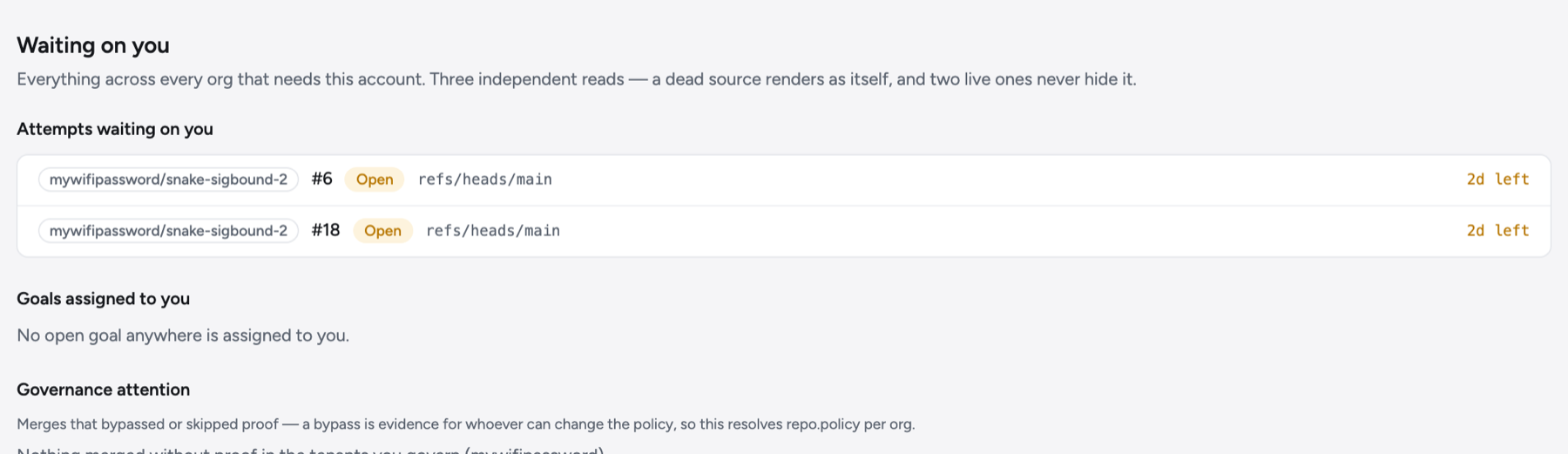
- For you (
/): attempts waiting on your decision, across every space. - Goals (
/<space>/<repo>/goals): needs you · attempting · queued · done. - Attempts (
/<space>/<repo>/attempts): every open attempt at the gate, newest first. - Ledger (
/<space>/<repo>/landings): every sealed move of a branch, each row opening its receipt. - Runs: CI, Sigbound AI reads, and landings, with logs.
- Insights: the pulse of a repository or a space over 7, 30 or 90 days.