Your provider, your audit log, your account.
Single sign-on and provisioning from the provider you already run, an audit log of every governing act, retention you set, an export you can take, and the whole stack in your own AWS account if you want it there.
Request an inviteOne issuer per space.
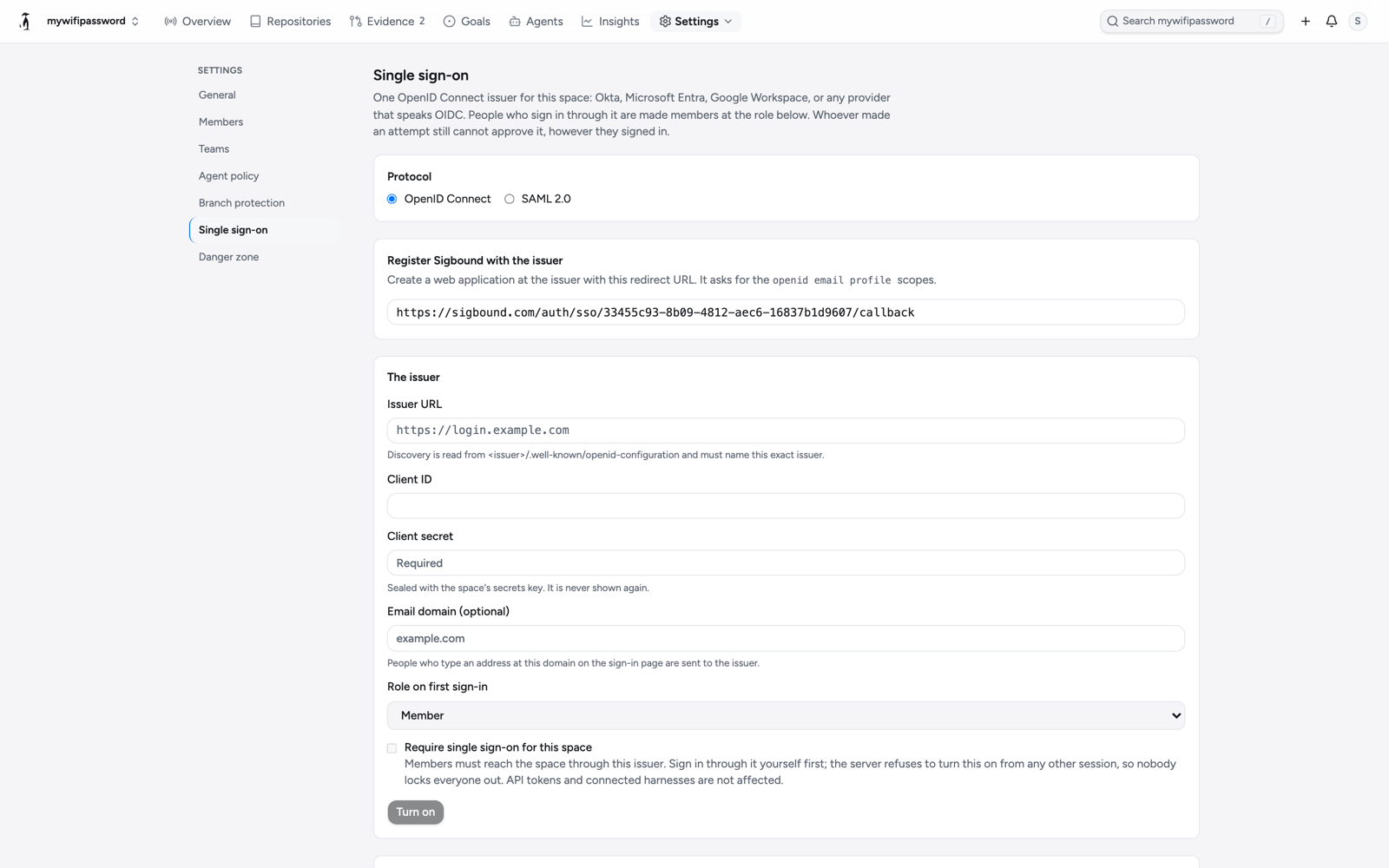
OpenID Connect or SAML 2.0, a role on first sign-in, an email domain that routes people to it, and a switch that makes it the only door. However anyone signed in, whoever made an attempt still cannot approve it.
Identity
Sign-in and membership come from the provider you already run.
One issuer per space: Okta, Microsoft Entra, Google Workspace, or any provider that speaks either. The secret is sealed and never shown again.
A space can require its issuer. Password sessions are turned away at the space; API tokens and connected harnesses are not affected. It can only be turned on from a session that came through the issuer, so nobody locks everyone out.
People who type an address at your domain on the sign-in page are sent straight to your issuer.
Your identity provider adds and removes people. Deprovisioning removes membership at once and keeps the account, so merge records keep their names.
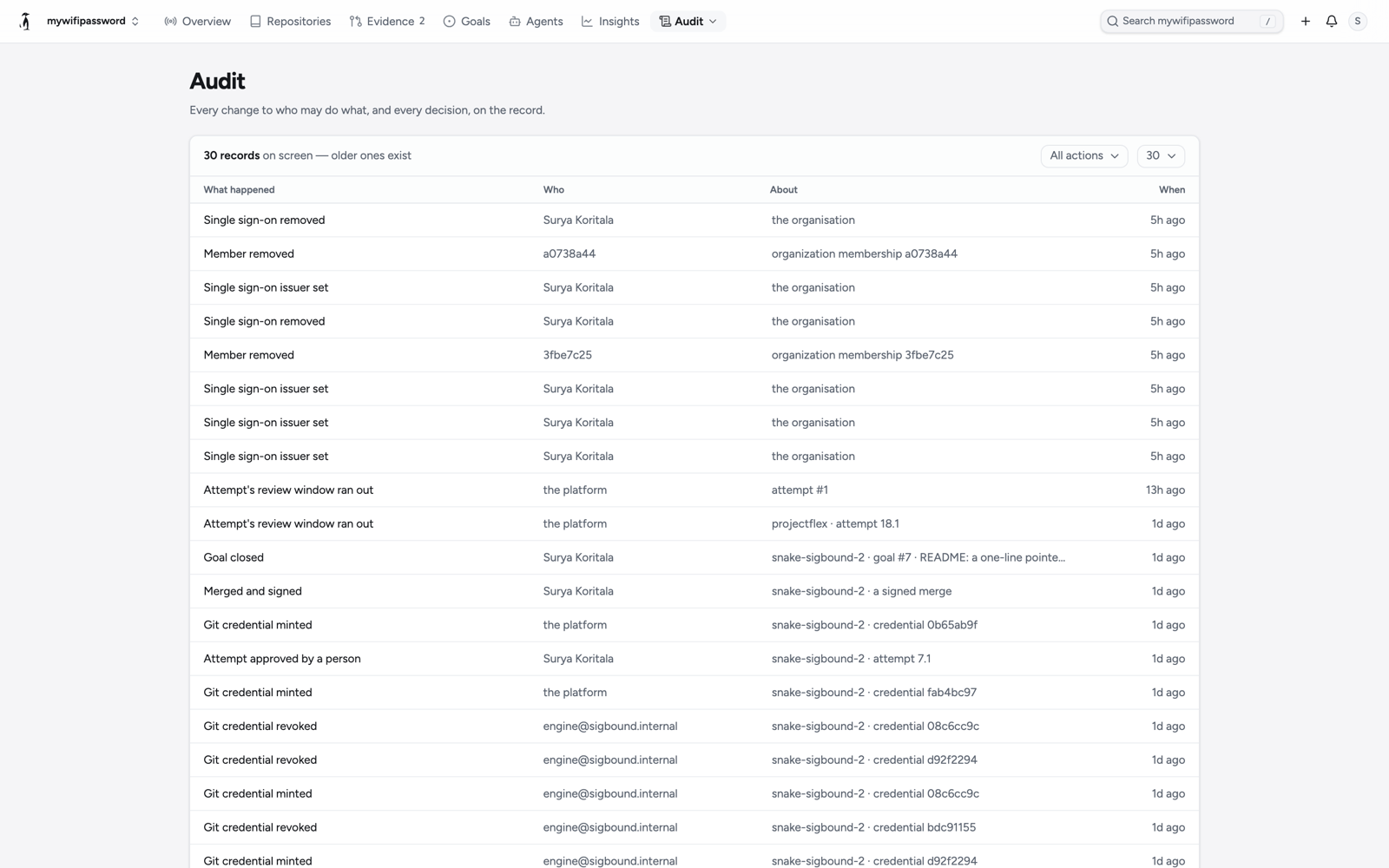
Every governing act, by name.
Every change to who may sign in, push, decide or land, and every decision, written as a sentence with who did it and what it was about. Nothing in it is edited after the fact; the space's export carries all of it.
What you keep, and how you leave
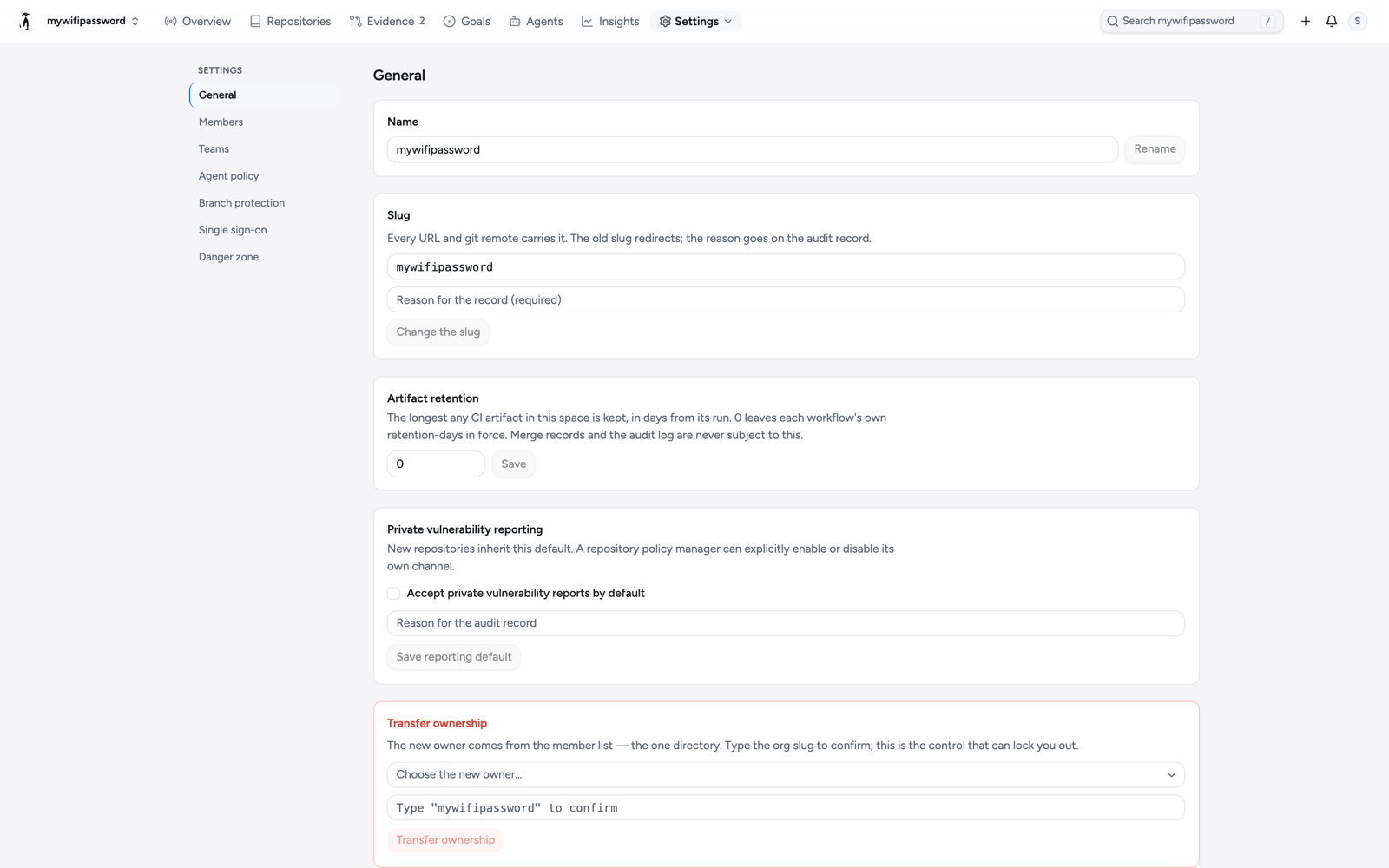
Retention you set, an export you can take, and a door out that needs nobody's permission.
The longest any CI artifact in the space is kept, in days. Merge records and the audit log are never subject to it.
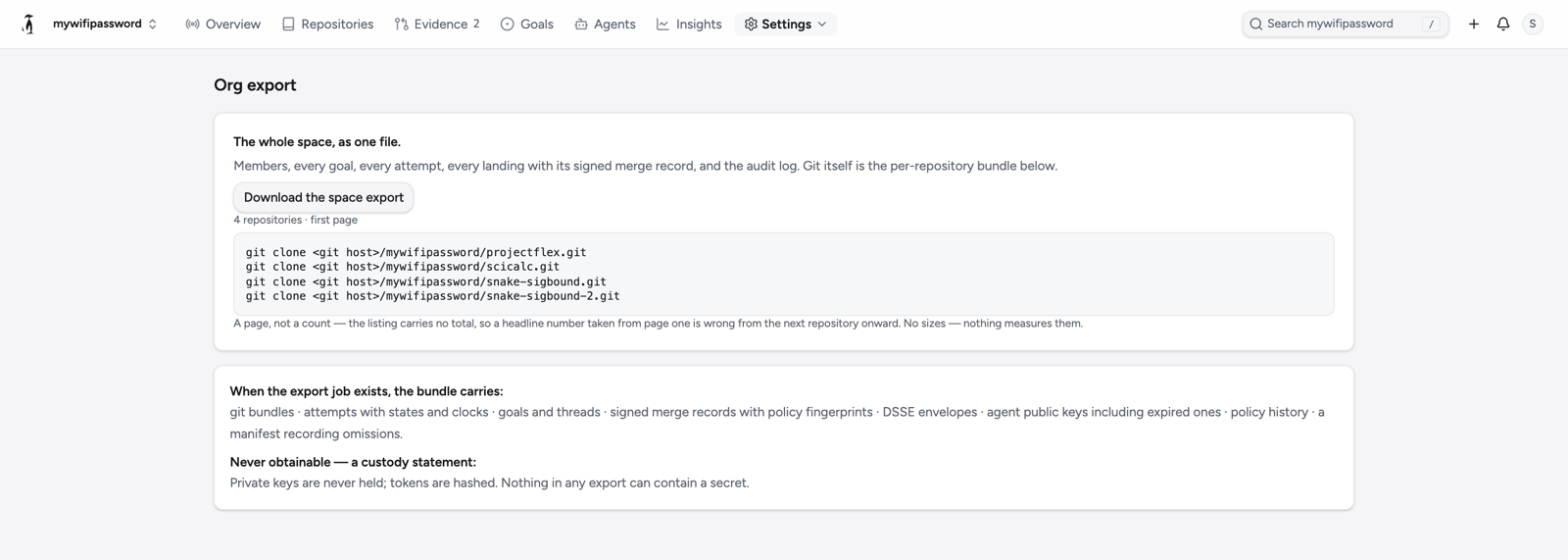
Members, every goal, every attempt, every landing with its signed merge record, and the audit log. Git itself is a bundle per repository. Nothing in an export can contain a secret.
A person exports their own data and closes their own account. Closure revokes everything the account held at once.
Repositories, artifacts and the database are encrypted at rest with the provider's managed keys. The database keeps seven days of point-in-time recovery.
In your own account
The same stack that runs the hosted service, from published images, in your AWS account, on your own model key. Every merge signed with a key that never leaves it.
One Terraform apply, about an hour the first time. The self-host package
Encryption, sign-in, authorization, audit, backups and retention, in one table, with the controls map behind it. Security
The paperwork
The addendum, as a page. Data processing addendum
Who touches your data, and for what. Subprocessors
Answered first, in person. Security
The alpha is by invitation. Say who you are and what you run; a person reads every request.