Environments and deployments
A job that names an environment deploys to it. A declared environment can require a second person, hold for a timer, and accept only some branches.
Declaring an environment
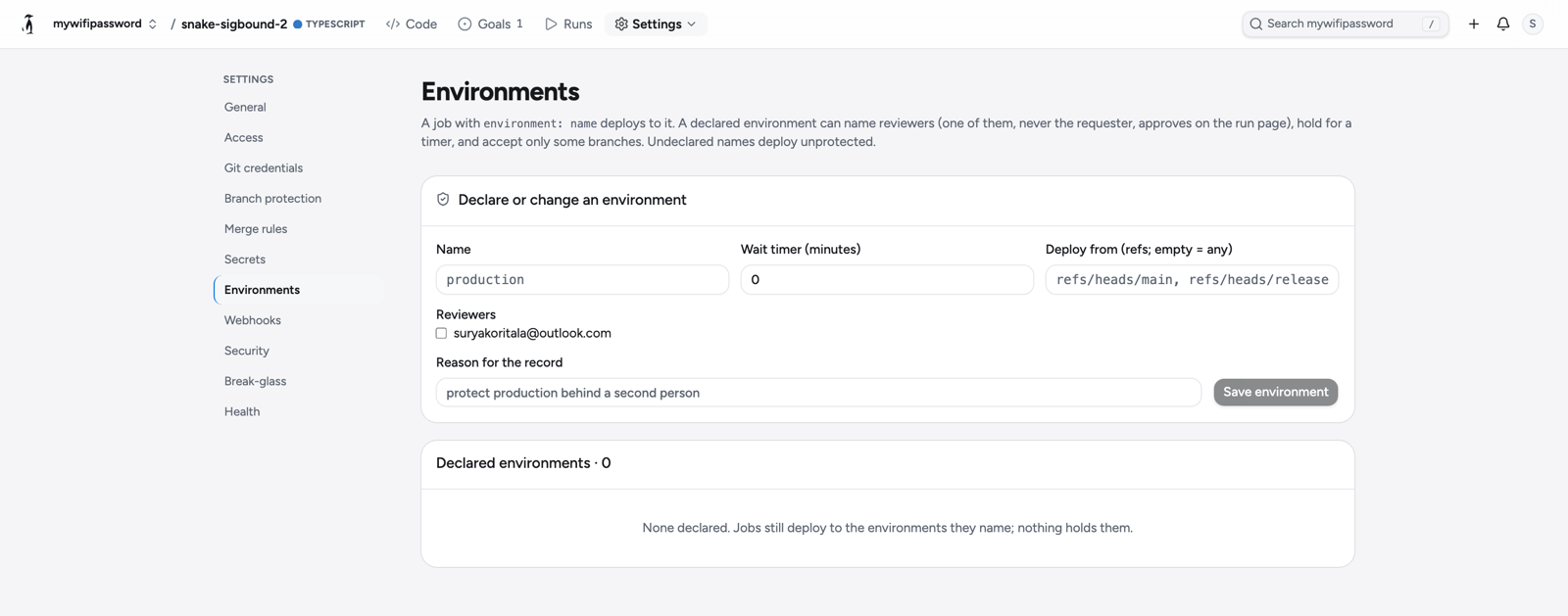
Environments belong to a repository and are declared under Settings → Environments. A declaration names:
- Name: lowercase letters, digits, dots, dashes and underscores, starting with a letter.
- Reviewers: members of the space. When the list is not empty, a deployment to this environment needs one of them to approve.
- Wait timer, in minutes, 0 to 1440. A deployment holds until the timer runs out.
- Deploy from: the refs the environment accepts, exact (
refs/heads/main) or as a pattern (refs/heads/release/*). Empty accepts any ref. - A reason, for the record.
PUT /orgs/{space}/repos/{repo}/environments/{environment}
{"wait_seconds": 600, "reviewers": ["<account>"],
"sources": ["refs/heads/main"], "reason": "…"}A job binds to an environment with the key GitHub Actions uses:
  deploy:
    needs: build
    runs-on: ubuntu-latest
    environment: production
    steps:
- run: ./deploy.shA name that is not declared deploys unprotected: the deployment is recorded, and nothing holds it. Secrets can be scoped to an environment; see Secrets.
The waiting state
When a workflow run reaches a job bound to a declared environment with reviewers or a timer, every job before it keeps its check and its artifacts, the dispatcher lets go, and the run enters the waiting state. Nothing executes until the environment's reviewer says yes or the timer runs out. The run page marks the job waiting for a person or a timer and says who may decide.
A run from a ref the environment does not accept is not held; the deployment is refused, and the job's check fails with the environment's list of accepted refs and the ref the run came from.
Review: the two-party rule
A deployment is approved by a second person. The reviewer must be on the environment's reviewer list and must not be the account that requested the run. A reviewer who is not both is refused, and the review is refused whole, never partially. Approve and reject are on the run page.
POST /orgs/{space}/repos/{repo}/runs/{id}/deployments/review?at=…
{"approve": true}
# or: {"approve": false, "reason": "…"}Approve marks every waiting deployment of the run as reviewed by that person. Reject requires a reason; it ends the run as failed, and the job's check records who refused it and why.
Resume
The run resumes once every waiting deployment's protection is met. A timer still running keeps it waiting after approval, and a sweep resumes the run when the timer runs out; the reason on the record is the approval or the environment's wait timer ran out. Resuming puts the run back on the queue with the same immutable work, so its next claim is its next try. Jobs that already passed in the earlier try are carried, with their checks and artifacts, and are not run again; the resumed try runs the gated job and what follows it.
The deployments screen
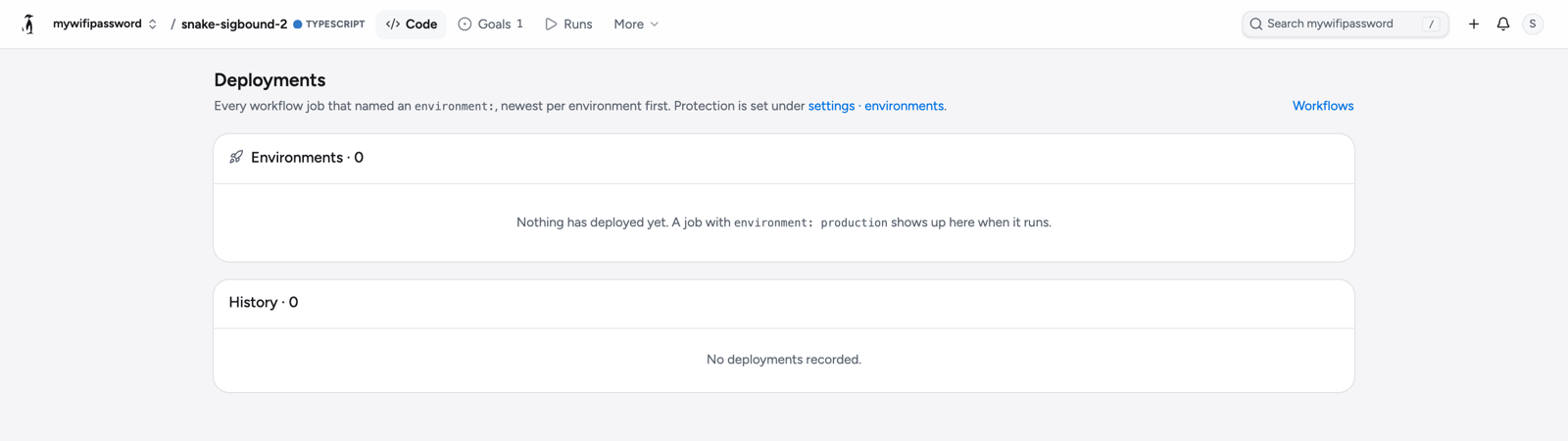
Deployments under the repository's Code menu lists every workflow job that named an environment: one row per environment showing its newest deployment, then the history. A deployment records the environment, the ref and head, the URL the job declared, the requester, the reviewer, the reason, and its state: waiting, approved, rejected, in progress, succeeded or failed.
GET /orgs/{space}/repos/{repo}/workflow-deployments
GET /orgs/{space}/repos/{repo}/runs/{id}/deployments?at=…